

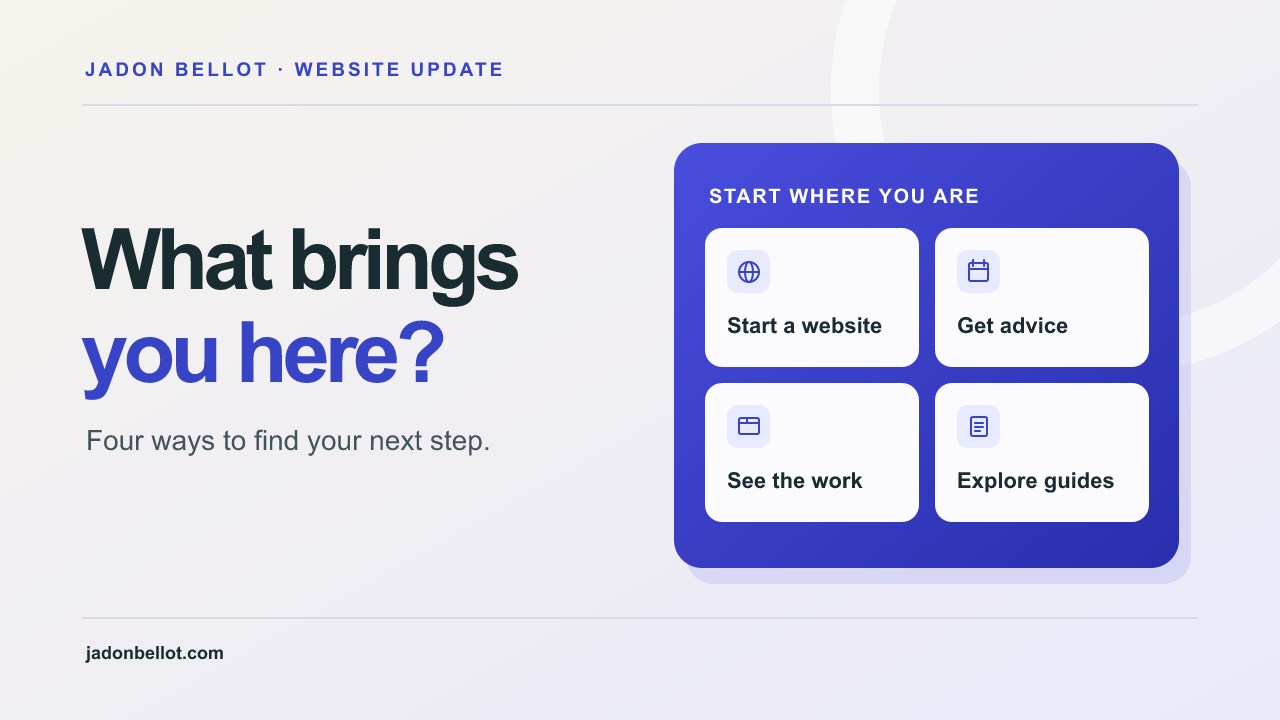
Start with what brought someone to the site.
The site grew alongside The 100 websites project. As I added more guides, client work and consultations, people were arriving for different reasons. Someone comparing designers needs examples of work. Someone who already has a website may just want advice. I wanted each person to find a sensible next step from the homepage.
The new homepage asks “What brings you here?” and offers four routes. You can start a website project, get advice, see my work or explore the guides. The free preview is still the main action for people ready to start. Explore the homepage options.
Show what went into the work.
A finished screenshot can show what a site looks like. A case study can show how it helps someone complete a task. I added dedicated pages for Wadie Design Academy and Transcend Talent Group, with device mockups and feedback from the people I worked with.
The Wadie project shows how the site takes people from learning about the course to choosing an intake and applying. The Transcend project shows how a site can give athlete representation and commercial partnerships distinct routes. See the website projects or read the story behind Wadie’s application journey.
Make answers easier to find.
On the blog, you can choose a topic and the articles update in place. If you only want to read about pricing and hosting, pick that topic. If you’re weighing up doing it yourself, there’s a section for DIY and AI. You can switch back to all articles whenever you want. Browse the guides by topic.
For a quick question about hosting, editing or support, the searchable FAQ has shorter answers and links to the relevant guides. Search the FAQs.
Give people a way to get advice before they build.
Some business owners want to work through a decision before they commit to a build. The consultations page gives them two ways to do that. The individual audit is for focused time on one business. The group clinic gives owners a place to talk through ideas and learn from each other. Both include a PDF with practical next steps.
You can compare the two and check live availability on the same page. If you already know you want to explore a build, the Start page lets you tell me about the business and what you want the website to do. See consultation availability.
Review the site from a customer’s point of view.
Try opening your homepage on your phone and giving yourself three jobs. Find a service, see an example of the work and work out how to get in touch. If you have to open the menu and guess which page to choose, give that task a clearer route.
That’s the test I’d repeat as any site grows. A new page or feature earns its place when it helps someone do something they came to the site to do. If you’re working out what should go on your own site, start with the website preparation checklist.