

Take the 60-second service page test
Open your service page on your phone and hand it to someone who’s never bought from you. Give them a minute to tell you what you do, who it’s for, what makes you credible and how they’d get a quote. If they need to ask you those questions, the page has given you a list of things to fix.
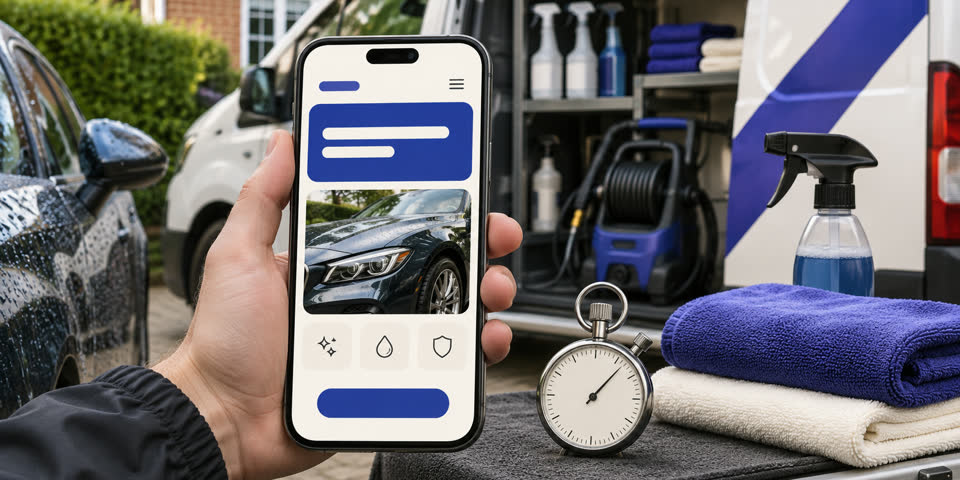
An enquiry can fall through because the page leaves one important question unanswered. Someone might like your photos and still wonder whether you work in their area. They might be ready to book and end up sending a message to an Instagram inbox you rarely check. To show how to improve a website service page, I’ll use the same example throughout. Imagine you run a mobile car detailing business that serves customers at home in East London. The examples are illustrative, so adapt the promises and details to what you actually offer.
1. Say what you do before you sell it
“We bring the shine back” might feel at home on the side of your van, but on a page it leaves the type of service open to interpretation. Try “Mobile car detailing at your home in East London.” Then use the next sentence to explain the job in everyday language, such as deep-cleaning the interior of a family car or preparing a vehicle for sale.
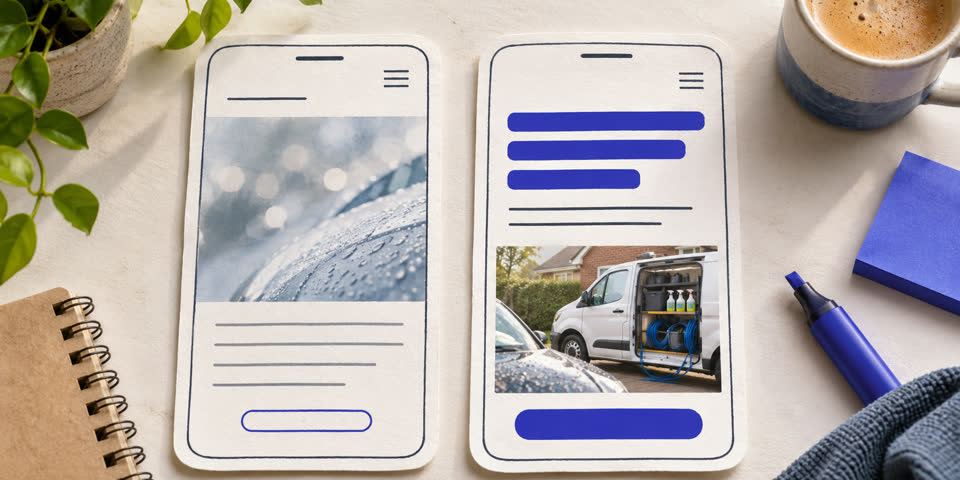
Read it out loud. If it sounds like something you’d say in the first minute on a call, it probably gives people enough to keep reading. Where it reads naturally, use the same words in your page title and in the links that take people there.
2. Show what the customer is buying
“Premium detail” means different things to different people. Put the main inclusions beside the package name. If an interior clean includes carpets, seats and boot, say so. If pet hair or heavy staining needs more time, explain what information you need to give an accurate quote.
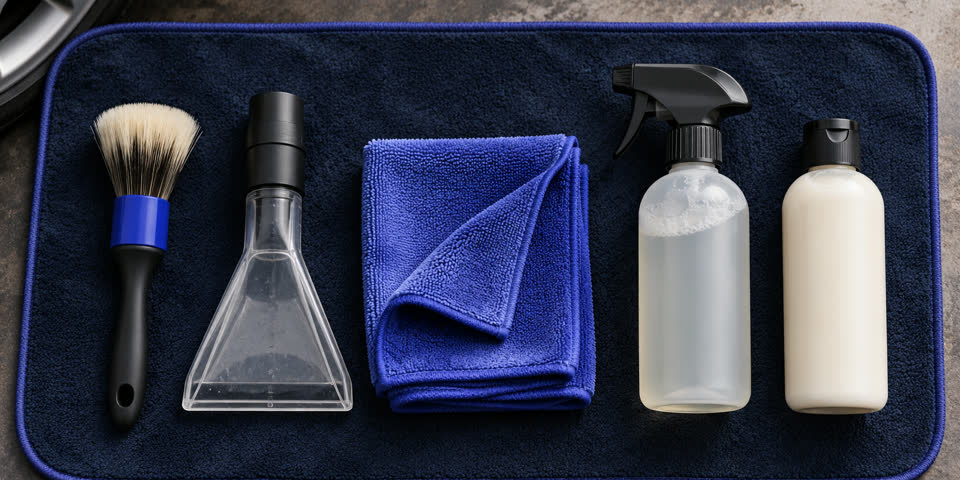
The before version promises “a professional finish with care and attention”. The after version might say “We vacuum the interior and boot, clean the seats and carpets, and wipe down the surfaces. Send us photos of stubborn marks so we can advise before you book.” Both can sound polished. The second lets someone picture what happens on the day and gives them a reason to send the right photos.
3. Put relevant proof next to the claim
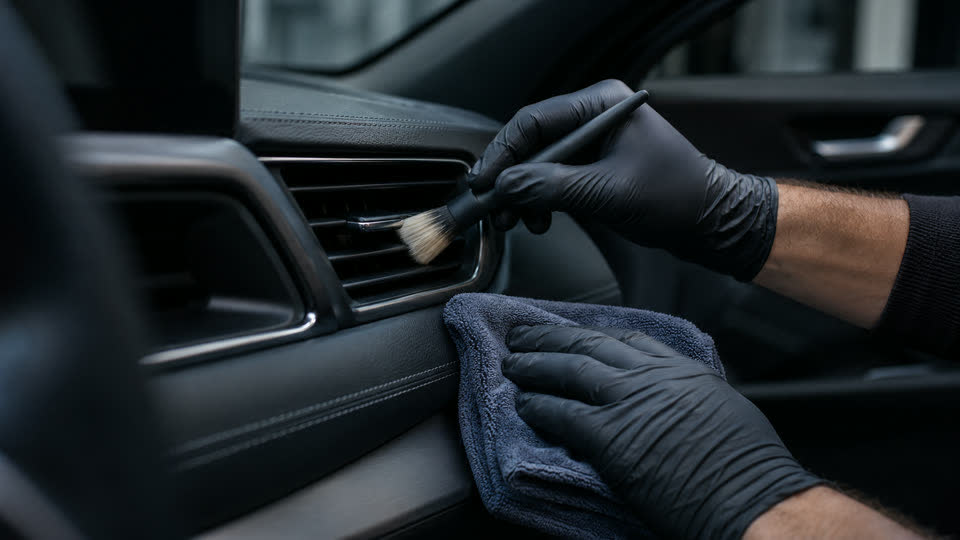
A single photo that answers a real question can do more work than a rotating gallery. Put a before-and-after interior photo next to the interior package and explain what changed. Use comparable angles and lighting where you can. If you include a review, choose one about the service you’re describing and follow the permissions that apply to client images or testimonials.
The same principle applies to trades and professional services. If your claim is that you can work around school pickup, show a genuine example of how a booking was arranged. Give a reader enough context to see why the proof matters for their own situation.
4. Answer the practical questions early
For mobile detailing, someone may wonder whether you need a driveway, power or water. They may want to know what happens if it rains, or whether you work outside their postcode. Answer the questions that come up before booking, especially the ones that could change whether the service suits them.
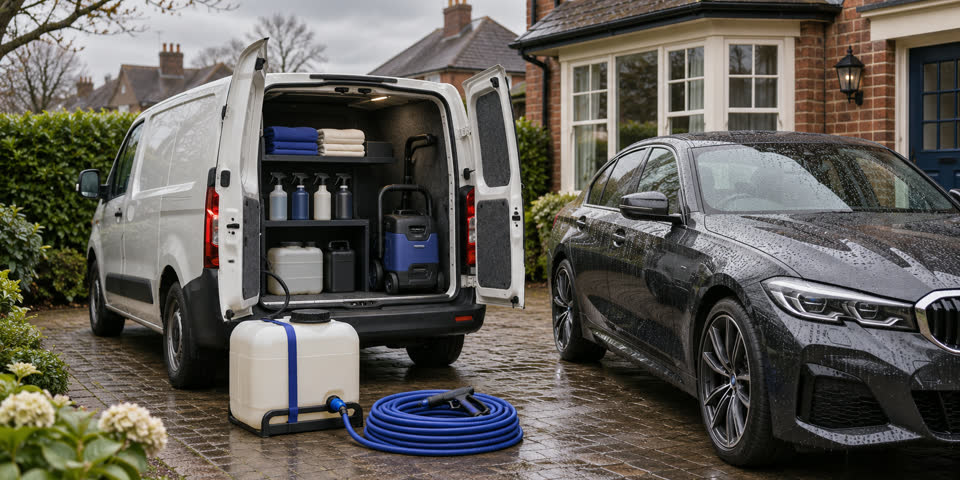
Use actual prices or typical ranges where you can. If quotes depend on condition, vehicle size and location, tell people how those factors matter and what they can send for an estimate. Read a few recent enquiries and look for the question you answered over and over again. Adding the answer to the page can save both sides an email.
5. Make the button match the decision
“Contact us” gives people little idea what they’re about to do. “Get a detailing quote” sets a clearer expectation. If you need a postcode, vehicle model and a couple of photos, say that next to the button or at the top of the form. If you can reliably say when you’ll reply, add that too.
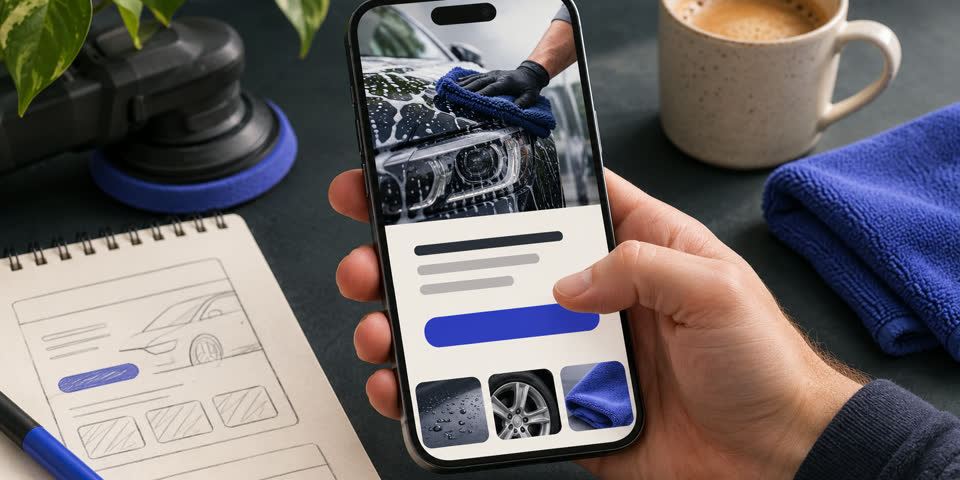
Use the same main action near the introduction and after the details. A phone link can still be useful if someone needs to ask whether you cover their road. Give the enquiry button enough space on mobile and keep the most important option easy to spot.
6. Try sending a real test enquiry
Fill in the form on your phone with a test message. Try leaving a required field blank. Check whether the error explains what to do and whether the information you already typed stays there. If you ask for photos, see how the form behaves when someone uploads an ordinary photo straight from their camera.
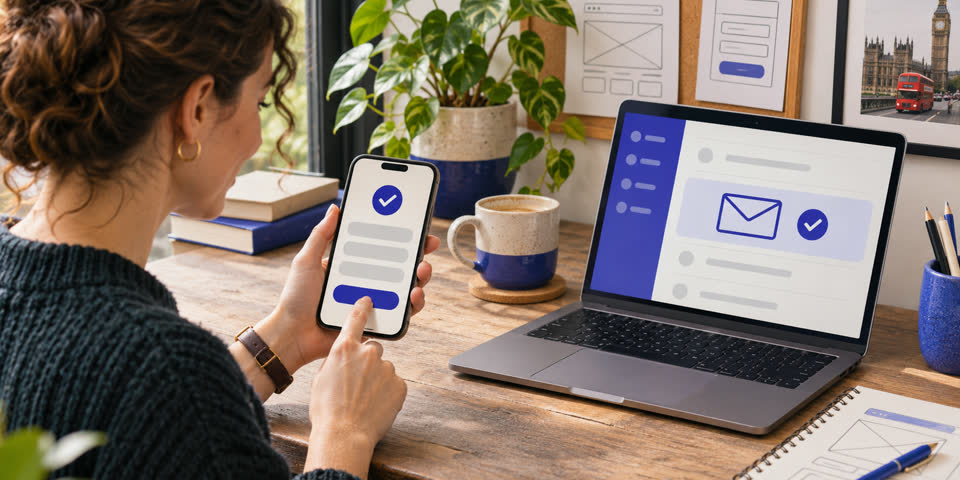
After you submit, look for a confirmation and check the inbox that should receive it. Follow the reply path and verify that the reply goes to the right address. If you use analytics, check the event records a successful submission once. Keep the questions needed to start a conversation and ask for the rest when you reply. You can see where each enquiry gets stuck by trying the page like a customer.
7. Give the page a way to be found
Link to the page from the part of your site where customers naturally look for that service. For the detailing business, that could be its homepage, a project write-up or a useful article about preparing a car for sale. Use descriptive link text like “mobile interior detailing” so the destination makes sense before someone clicks.
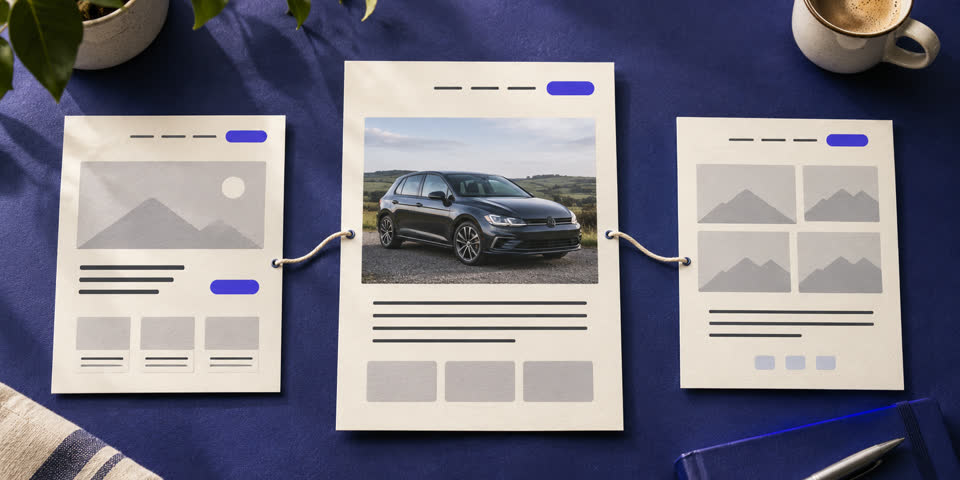
Watch the page in Search Console for relevant searches and keep a note of enquiries that mention it. Check over a reasonable period and record what changed. If plenty of people click but few finish the form, try the enquiry process first. If few people arrive, read the guide to getting more website traffic for ideas on improving the routes into the page.
A quick check before you update the page
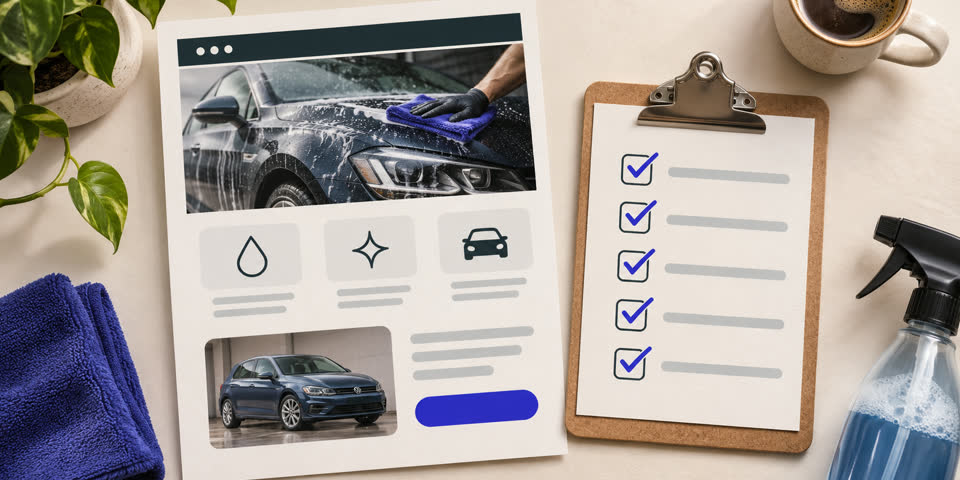
- The first screen tells a new visitor what you do and where or who you serve.
- The page says what’s included and shows an example from real work.
- The practical questions about price, timing or access have clear answers.
- The enquiry button sets an expectation and the form works on a phone.
- Someone can find the page from a relevant place on your site.
If the page is missing examples, photos or answers, start with the website content handover guide to gather what you need. If you’d like another pair of eyes on the page and enquiry journey, bring both to my Website & Digital Business Audit. We’ll work through where questions arise and agree what to tackle first.