

Start with what already works
A small business website redesign checklist should begin with two questions. What do customers already use, and what gets in their way? Answer those before you commission new layouts. You might discover that your favourite page is rarely visited, while a plain pricing page answers the question that brings half your callers to the website.
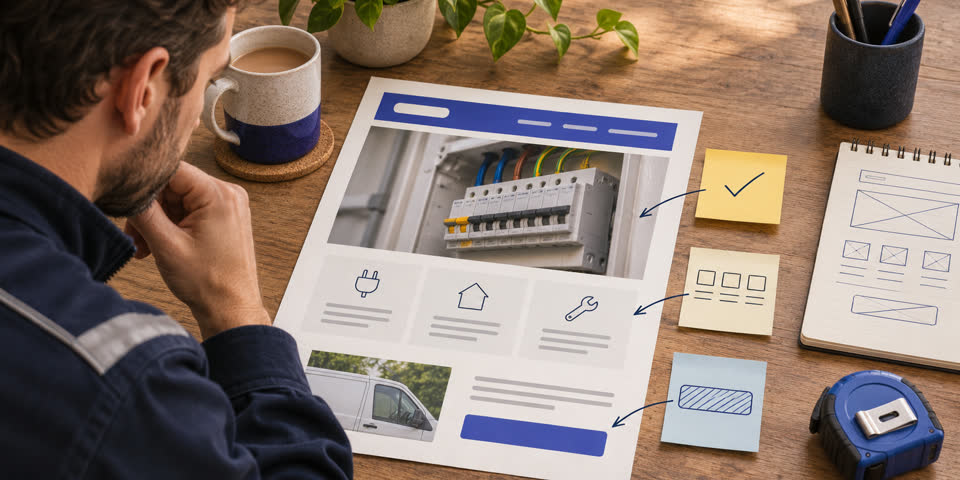
Picture a local electrician. They want the website to look more current, but the site already brings in calls for electrical inspections. The photos are dated, the enquiry form is awkward on mobile and some older pages still appear in search. A facelift alone leaves those issues in place. The redesign brief could say exactly what needs to happen. Keep the useful inspection page and its address, update the photos, make the next step clear and test whether the enquiry actually reaches the right inbox.
Write one sentence defining a successful redesign for your business. “Customers can find the right service and send an enquiry on their phone” is something you can test. Add a second goal if it matters, such as being able to edit opening hours yourself. Use those goals to make decisions about pages, features and launch.
Make an inventory of your pages
Open your sitemap, navigation and any search or analytics reports you have. Make a simple spreadsheet with the current URL, page purpose, what people do on it and what you plan to do with it. Check landing pages people see in search and links you’ve sent out in quotes, brochures or past campaigns. Those pages can be easy to miss when you look only at the current menu.
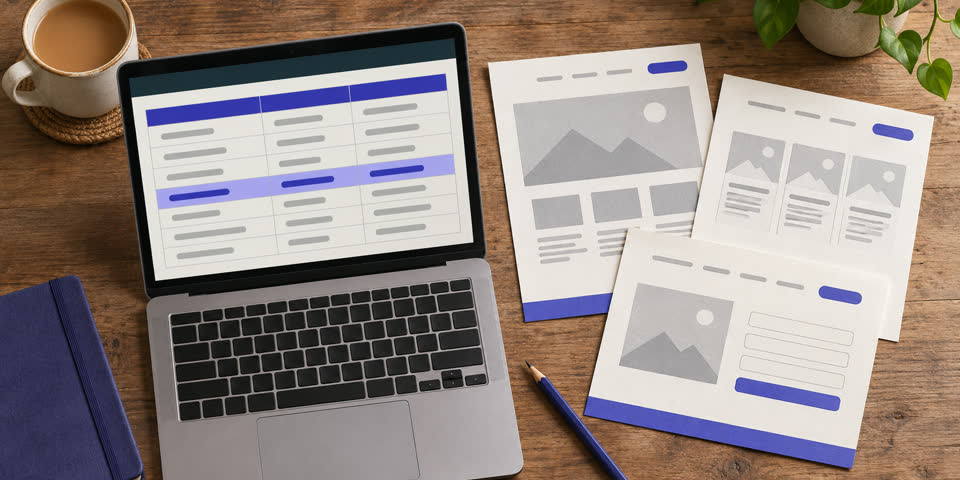
Look at a useful period for your business and note what happened around unusual peaks. A page might have low traffic because the service is seasonal. A contact page might look quiet in analytics even though visitors tap the phone number and call. Ask the person who handles enquiries which pages customers mention and where they tend to get confused. Where you have no measurement yet, use what customers tell you and note which assumptions you want to check after launch.
Decide what to keep, fix and replace
Give each important page or piece of content a decision. In a small business, the site often holds years of useful material. The job is to notice which parts still help people make a decision.
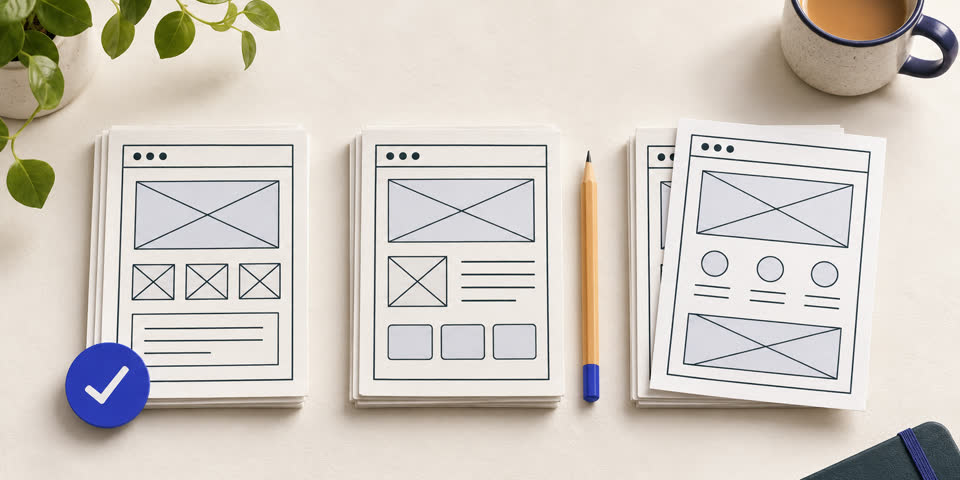
| Decision | What belongs here | Example |
|---|---|---|
| Keep | Useful pages, search landing pages, accurate testimonials and content customers rely on. | Keep the electrical inspection page and its address. |
| Fix | Valuable pages with muddled copy, dated photos, hard-to-find details or broken forms. | Rewrite the inspection introduction and make its quote form easier to use. |
| Replace | Outdated content and pages whose job another page now does better. | Merge two overlapping inspection guides into the best current guide. |
A redesign is a good time to update proof. Swap old stock photos for recent examples of your work where you have permission. Keep a testimonial when it still describes the offer and explains why the customer chose you. If you’re waiting on new assets, write down who can supply them and by when. Share that list with your designer. My content handover guide shows how to package copy, photos and video so they can be used easily.
Agree the new structure and what happens to old URLs
Choose addresses for the pages you’re keeping. If an existing URL is sensible and still fits the page, keeping it avoids unnecessary link changes. If an address has to change, map the old one to the most relevant new destination. For example, an old electrical inspections page might redirect to the new inspection service, where a visitor can still find that information.
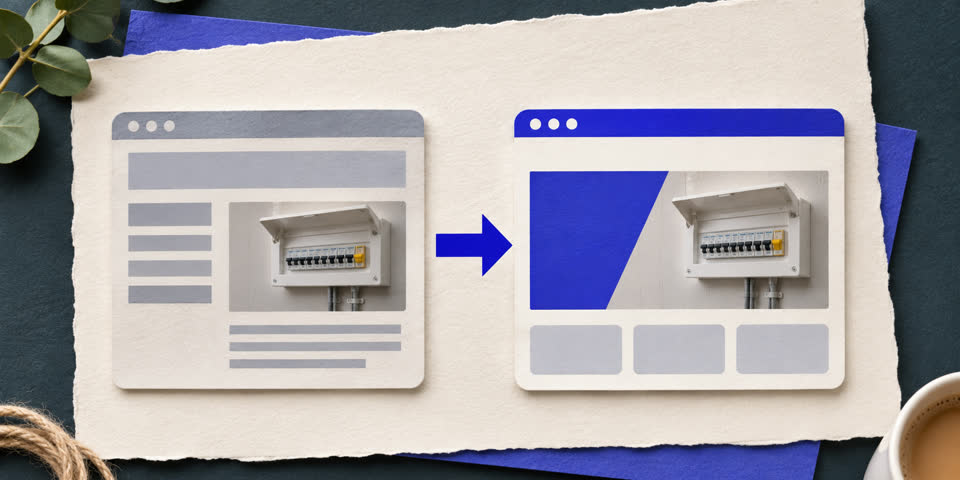
Ask your developer to use permanent server-side redirects where the move is permanent, update internal links to point straight to the new addresses and check the sitemap lists the current pages. When a page is genuinely gone with no suitable replacement, a proper 404 gives an honest result and can still help visitors find their way. Google explains URL mapping, redirects and post-launch monitoring in its guide to moving a site.
Check who controls the domain, hosting and access to enquiry emails before anyone makes a change. If a redesign involves a hosting move, agree how the domain and email will be handled and who can restore the old site if something breaks. That conversation is simpler while the old website is still working.
Test real customer journeys before launch
Turn the inventory into a short redesign brief. Put the changes customers need for launch at the top, along with anything you need to keep working, such as an existing booking link. Keep ideas you can add later on a separate list. This helps when you have a tight budget or need to launch before a busy period. Your designer can estimate the work with a better idea of what the first version must do.
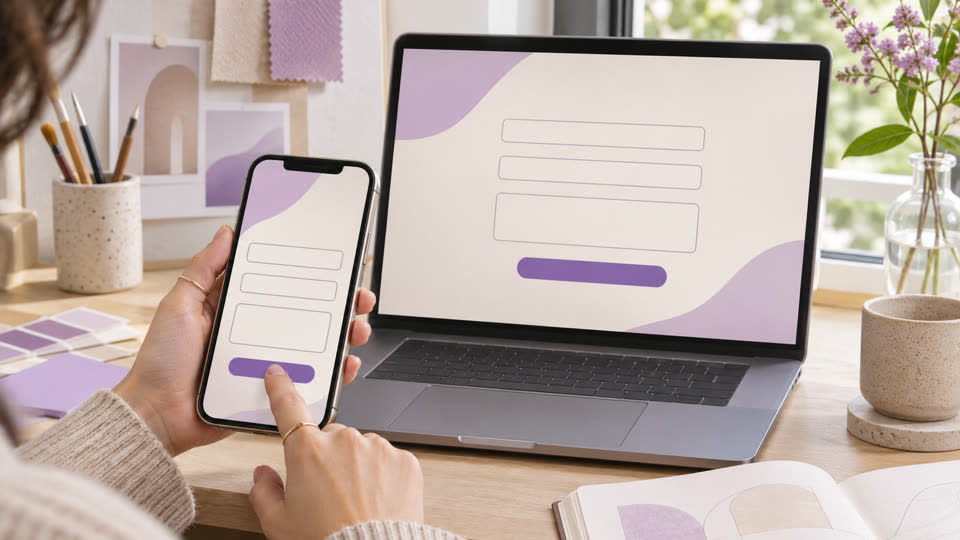
Pick the three most common things people come to do. An electrician might choose checking service coverage, asking about an inspection and tapping the phone number. Start from the homepage and from a likely search landing page. Test on a real mobile phone as well as a desktop. Use the keyboard for key actions and check that forms have readable labels, usable errors and a clear confirmation.
Use a launch checklist you can repeat

- Back up the existing site and record who can restore it.
- Check that core pages, menus and enquiry forms work on the public domain.
- Test old URLs from the redirect list and confirm the destination matches.
- Check that public pages can be indexed and that canonical URLs and the sitemap point to the live domain.
- Review important landing pages and relevant enquiries after launch.
Repeat the form and redirect tests after launch. Hosting, email routing and settings can behave differently on the public website. Record the launch date in your notes so that a change in search clicks or enquiries can be investigated in context. If there’s a sudden issue, check whether particular URLs or enquiry steps are affected before making broad changes.
If you’re planning the project now, see how I approach a small business website redesign. Bring your current website address and one change that would make life easier for customers. You can also see how the free website preview works before deciding whether to start an enquiry.