

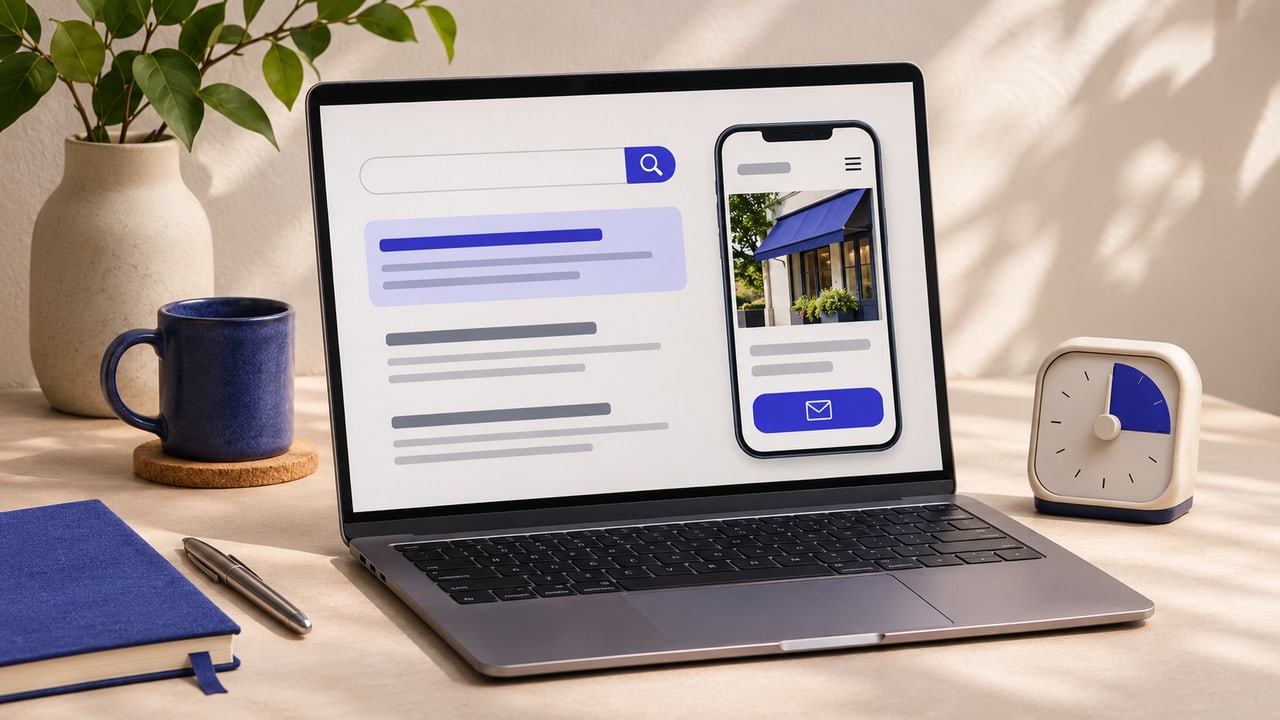
What speed looks like
A prospective customer hears your name, searches for you and opens your website. Your main service is buried halfway down the page. The prices are out of date. The only way to ask about availability is to send a message and wait.
Now imagine they find another business that shows the service, explains the likely cost and gives them a clear way to get in touch. They can make a decision while they’re still interested. That’s the kind of speed I think matters in the AI era.
I use AI in my web design work to get to an initial direction faster. The time it saves is most valuable when I can use it to check the content, improve the mobile experience or test the route a customer actually takes. Small business owners can apply the same thinking to how they show up online.
Speed is how quickly you act on what customers tell you
If people keep asking whether you cover their area, put the answer on the service page. If they ask what’s included, show them a real example and explain the scope. If enquiries arrive without enough information to quote, change the form and see whether the next few are easier to answer.
These are small changes you can make while you’re still running the business. The longer you put them off, the longer every new customer has to work through the same confusion.
Digital visibility starts with information people can use
Look at the three places a customer might encounter you first. That could be your Instagram profile, your Google Business Profile and a service page on your website. Can they work out what you offer, who it’s for and how to contact you from any of those starting points?
Google’s guidance for its AI search features still emphasises the basics. Make useful content easy to find through internal links, put important information in readable text and keep your business details current. That gives you something concrete to work on when you hear another promise about getting your business into AI answers. Google’s guidance on AI features and websites
Put your own experience on the page
A generic article can explain what a service is. Your business can show what the work actually looks like. A decorator can explain why two similar-looking jobs need different preparation. A photographer can show how they handled poor light at a real event. A web designer can explain why two audiences needed different routes through the same website.
When I built Transcend Talent Group’s site, I gave athlete representation and commercial partnerships separate routes. People coming to the site for either reason could go straight to information that mattered to them. That’s the kind of design decision worth sharing because another owner can recognise the same problem in their own business. See the Transcend Talent Group project
Make one improvement this week
Pick a service you want more enquiries for. Open its page on your phone and ask three questions.
- Can people find it? Check whether the page is linked from your website and whether it gets impressions in Search Console.
- Can they make a decision? Answer one question you keep getting by email or in DMs. Add an example, photo or testimonial if it helps someone choose.
- Can they act? Test the booking link or enquiry form yourself. Check where the enquiry arrives and what the customer sees after sending it.
Write down what you changed. Over the next few weeks, look at search clicks and the quality of enquiries for that service. That gives you a basis for deciding what to improve next. A 30-day plan for growing website traffic